Mailgun Events Ingestor
service type: worker https://github.com/joinhandshake/mailgun-event-ingestor/
RDE/Local Testing
- In 1password, lookup the
credentialfor Mailgun-dev Sandbox Private Key - using that credential as the
MAILGUN_API_KEY, start the mailgun events ingestor with docker compose from the root directory of the repository
docker compose -f development/docker-compose.yml run --env MAILGUN_API_KEY=<credential> --build mailgun_event_ingestor
- Look for the ngrok auth token in 1password. using
ngrok - shared integrations accountentry - Run ngrok to point to port 3001. install ngrok. Make note of the url.
ngrok http 3001 --authtoken <authtoken>
- Start pubsub from the notifications repository
./scripts/start-all.sh
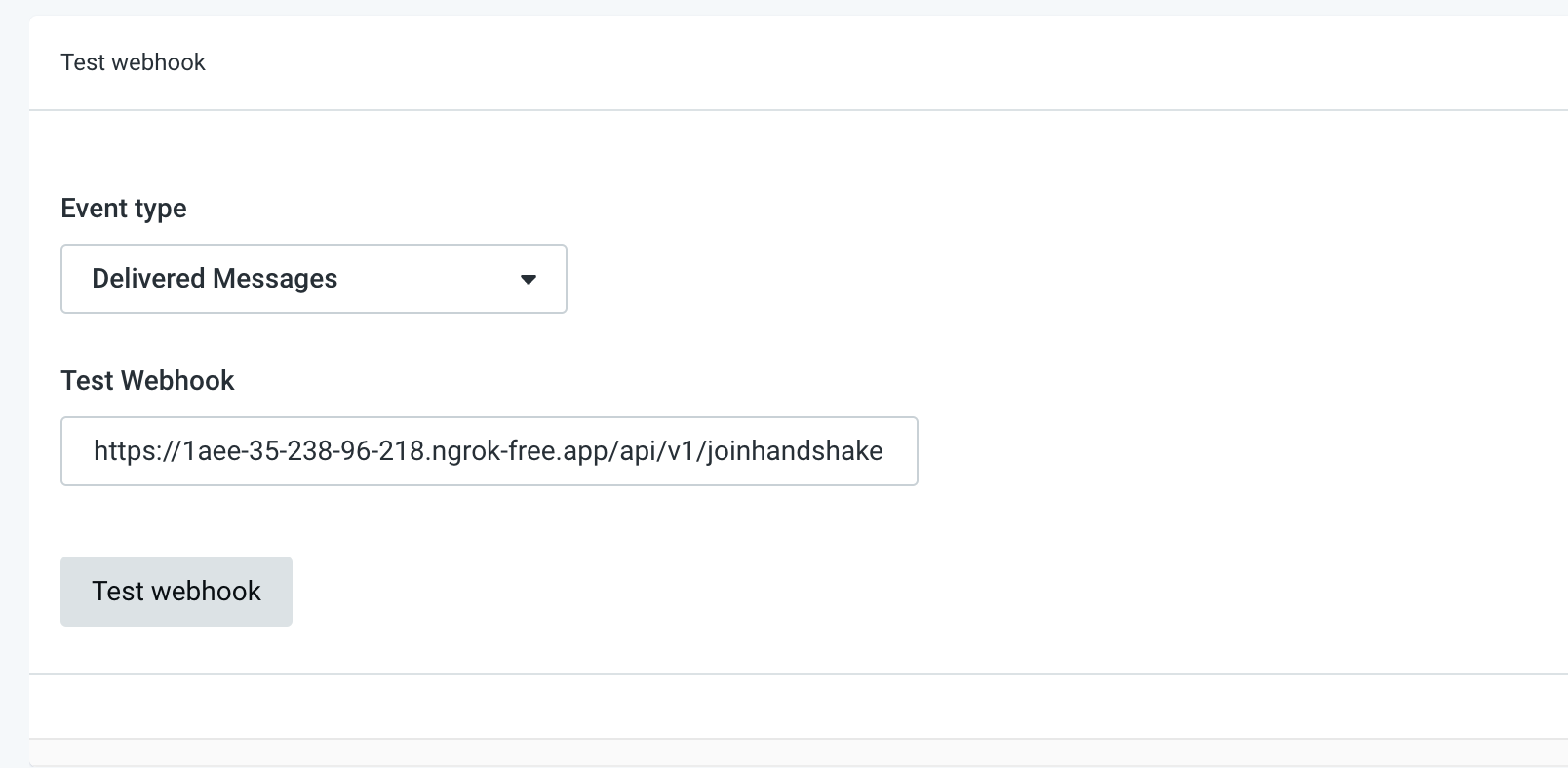
- Send a test webhook event from the Mailgun development account (See: Sandbox Mailgun Account in the HS General Engineers 1Password Vault)
- URL to test: NGROK_URL/api/v1/joinhandshake.com/delivered